
Your solar inverter changes DC from your panels into AC for your home. It also handles grid syncing, monitoring, and finding the best power point. If it fails or doesn’t work well, you might see less power, outages, or damage to your system. Fixing the inverter quickly can stop energy loss and make it last 10–15 years.
Many inverter problems show signs before they fail completely. You might see error codes, odd lights, or a drop in power on your monitoring portal. Simple steps like checking displays, breakers, and cables can often fix the issue. For harder problems, get help from certified installers like Solis, Enphase, Victron, or SolarEdge to safely fix your system.
Key Takeaways
- Your solar inverter is key to system output and safety; quick action limits energy loss.
- Watch for early signs: error messages, lights, sounds, and drops in monitored production.
- Simple inverter troubleshooting—display checks, breaker resets, and visual inspections—can fix many problems.
- Document recurring faults and contact a licensed technician for persistent errors or safety concerns.
- Use manufacturer manuals and reputable installers to guide inverter repair and long-term maintenance.
Why the Solar Inverter Is Critical to Your System
The inverter is the heart of your solar array. Solar panels make DC power that your home can’t use directly. The inverter changes this DC power to AC, so things like refrigerators and lights work right.
Role of the solar inverter in converting DC to AC
Your inverter changes the low-voltage DC from solar panels into the 120/240V AC your home needs. Without this, the energy from panels would go to waste. Brands like Enphase and SolarEdge make sure this conversion happens right, keeping your power safe and steady.
Additional functions: grid synchronization, monitoring, and MPPT
Modern inverters do more than just change power. They sync with the grid so you can send extra energy back. They also send updates to your phone or installer. Plus, they use MPPT to get the most energy from sunlight.
How inverter type affects failure modes (string, microinverter, hybrid, central)
Different inverters show faults in different ways. A string inverter connects many panels to one unit, so a weak panel can affect everyone. Microinverters, on the other hand, sit on each panel, so a problem only affects one.
Hybrid inverters manage solar and battery storage. They add complexity but offer backup power when the grid goes down. Central inverters power big commercial arrays but are a single point of failure for many panels.
Choosing the right inverter for your needs reduces problems over time. The right choice and proper installation improve performance and make fixing issues easier.
Common Symptoms That Indicate Inverter Trouble
Watch for dashboard alerts, physical signs, and trends in your monitoring app that show inverter issues. Spotting problems early helps you figure out if a simple reset will fix it or if you need a pro. First, check the inverter display and look for patterns in your app.
Look for inverter error codes in your user manual. Codes like OV/UV, GFCI fault, and No Grid are common. If the same code keeps showing up, it might mean a bigger electrical or component problem.
A blank screen on the inverter display could mean a failed display module or no power. Flashing messages and error text need to be logged for the installer to review. If Wi-Fi or Ethernet fails, your cloud monitoring might stop, even if the inverter is working.
Check the unit for warning lights. Red or amber lights usually mean there’s a problem. Green or blue lights are good. Write down any flashing light patterns before you reset the system.
Listen for odd sounds from the inverter. Buzzing, clicking, or popping might mean loose connections or failing parts. A burning smell or too much heat is serious; turn off the system and call a pro right away.
Watch for a flatline in your monitoring app. A sudden flatline means no output and could be due to grid loss or internal shutdown. A slow drop in production might mean MPPT issues or failing components.
| Symptom | What to Check | Likely Cause |
|---|---|---|
| Specific inverter error codes shown | Record code, consult manual, reboot if allowed | Grid issues, ground fault, isolation fault, sensor failure |
| Blank or frozen inverter display | Check power to unit, check supply fuses, test communications | Display module failure, power supply fault, network loss |
| Red or amber warning lights | Note light pattern, compare with manual, log time stamps | Active system fault, overheating, safety trip |
| Audible inverter sounds or burning smell | Turn off system safely, inspect for heat or smoke, call tech | Loose wiring, capacitor failure, fan or cooling fault |
| Monitoring flatline on app | Verify on-site production, check communications and grid | Communication outage, inverter shutdown, grid disconnection |
| Gradual production drop | Compare weather-matched days, inspect strings and panels | Soiling, shading, MPPT mismatch, internal degradation |
Complete Loss of Output: Causes and First Checks
If your system shows a no output inverter condition, start with calm, methodical checks. These steps protect you and the equipment. A complete loss of output can come from simple faults or internal failures that need a pro. Follow safe inverter troubleshooting steps to narrow the cause without putting yourself at risk.
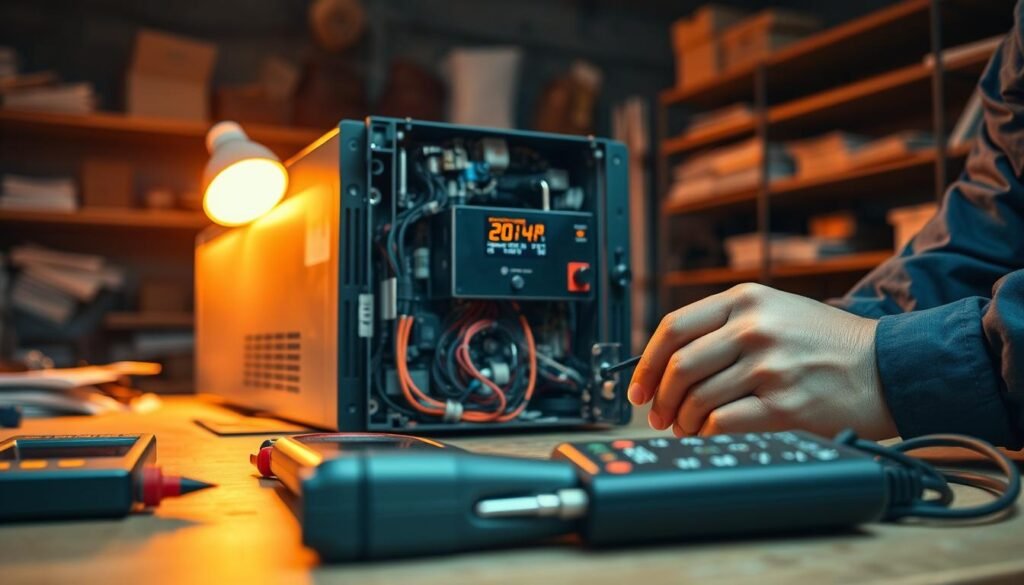
Possible causes include disconnected cables, blown fuses, and grid disconnection. In hybrid systems, battery or MPPT controller faults may stop output. A blank display can signal a local power supply issue.
Begin with these inverter troubleshooting steps in sequence. First, view the inverter display for codes or messages. Next, check the AC breaker labeled for solar and any household breakers that feed the inverter. Then inspect the DC isolator and visible wiring for disconnected cables or loose terminals. Use a multimeter only if you are trained to measure panel DC voltage; that confirms whether panels are supplying power.
Never open the inverter casing. High-voltage components inside can cause severe injury. Opening the unit may void the warranty. If you smell burning, see smoke, find exposed live wiring, or suspect blown fuses or internal component damage, stop checks immediately and call a licensed technician.
When basic checks pass but the inverter shows no output, the fault may be internal or grid related. Contact a certified installer or manufacturer support. They can perform insulated diagnostics, replace blown fuses, and test for grid disconnection or internal failures while maintaining safety and proper documentation.
Intermittent Shutdowns and Overheating Issues
If your inverter shuts down on and off, or gets too hot, it’s likely due to poor airflow and heat. You might notice it restarting when it’s really hot or after working for a long time. Small signs can warn you of bigger problems before they happen.
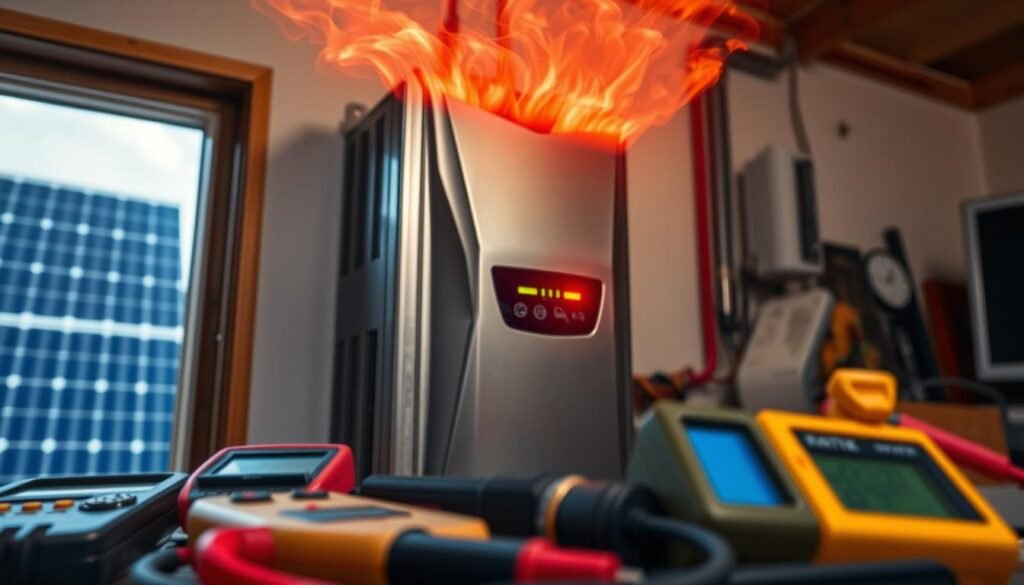
Common triggers
Poor ventilation is a big reason for shutdowns. Dust and blocked vents can trap heat. Direct sunlight can also make the cabinet very hot, very fast. If the fan is weak or not working, the inside can get too hot.
Using an inverter that’s too small or not right for the load can also cause it to shut down a lot.
Inspection and simple fixes
First, take a look around. Remove plants, boxes, and stuff to let air flow better. Use a dry cloth or compressed air to clean vents and heat sinks. If a fan is failing, replace it with one from the maker, like SMA, Fronius, or Enphase.
Moving the inverter to a cooler, breezy spot can help a lot.
Long-term prevention
Make a plan for seasonal maintenance. This should include cleaning and a yearly check by a pro. Make sure there’s enough space around the inverter for it to cool down. Don’t put it in a hot, closed-in area like an unventilated garage in summer.
Keep track of when it gets too hot and shuts down. This way, you or a technician can see any patterns.
Interpreting Error Codes and Persistent Faults
When your inverter shows a problem, you need clear answers. First, check the inverter error code list on the display. Then, compare it with your manufacturer’s manual or online resources from brands like SolarEdge, Enphase, Victron, or Solis.
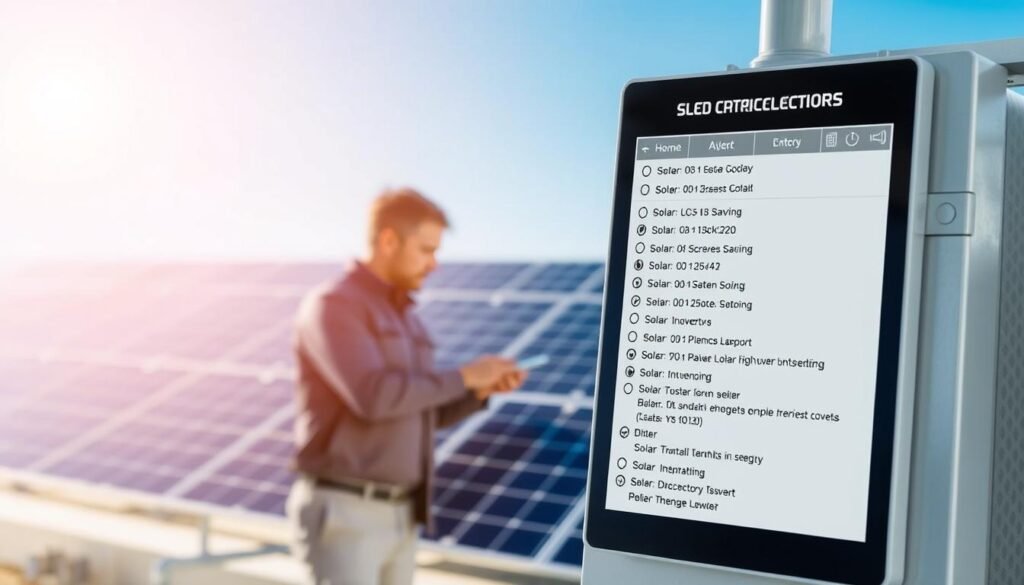
Common error messages include OV/UV for voltage issues, GFCI fault for ground faults, and isolation fault for leaks. You might also see No Grid when there’s no utility power. Some inverter models warn about waveform distortion or high temperatures.
Use the manufacturer’s tables to understand inverter faults. The manual will tell you what each code means, what to check first, and how to fix it. If you can, look up support articles and firmware updates on the vendor portal before shutting down important systems.
If a code keeps coming back after you restart, it’s a sign of a bigger problem. It could be a wiring or component issue, not just a one-time glitch. Keep track of each time it happens, including the date, time, weather, and any restarts you’ve tried.
Keeping a record helps experts solve the problem faster. Take pictures of the display, save monitoring logs if you can, and note any recent changes to your PV system. This includes new panels, conduit work, or updates to the inverter’s software.
If you keep getting GFCI fault or isolation fault codes, expect tests for leakage and earth continuity. Codes like OV/UV or No Grid might need grid voltage checks and coordination with your utility. Always have your manual and any saved logs ready for service calls.
Performance Drops and MPPT/Output Mismatch
You might see a sudden drop in performance or a slow decrease in daily output. Look at your production monitoring portal for patterns. Sudden drops often mean inverter or grid problems. Slow drops can be due to dirty panels, aging components, or mismatched strings.
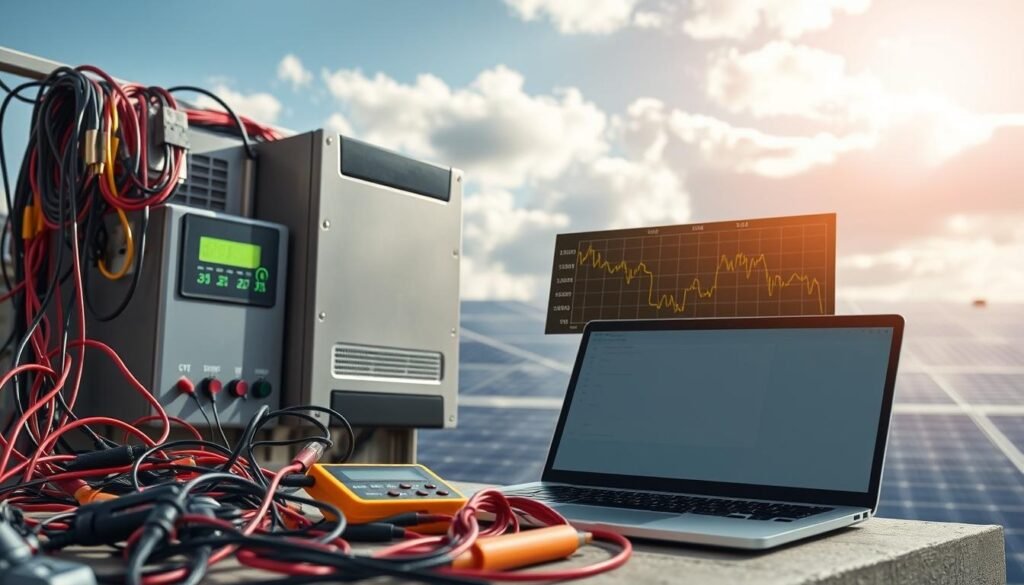
Check the MPPT channels in your inverter portal for issues. If one channel shows lower voltages or currents, it might have shading or a damaged module. Use monitoring to find the underperforming string during peak sun.
For basic checks, use a multimeter. It can spot open circuits or reversed polarity. If you find inconsistencies but nothing obvious, ask for an I-V curve test. This test can show problems like mismatch or shading that affect performance.
Firmware and settings can impact how well your system tracks the sun. Make sure MPPT is enabled and set up right. Installers should test with an I-V curve if there are ongoing output differences or string issues without a clear cause.
| Symptom | Likely Causes | Recommended Action |
|---|---|---|
| Sudden flatline in production monitoring | Inverter fault, AC grid loss, firmware crash | Check inverter display, AC breakers, and log errors; reboot if safe |
| Steady performance drop across system | Panel soiling, seasonal shading, general degradation | Inspect and clean modules; compare weather-matched days in portal |
| One MPPT underperforming | String mismatch, shading, connector corrosion | Verify connectors, measure DC current, schedule I-V curve test |
| Lower peak than expected during high sun | Inverter clipping, improper sizing, MPPT issues | Review system design, check MPPT settings, consult installer |
Electrical Quality Problems: Waveform Distortion and Grid Sync
You might see flickering lights or hear a low hum from transformers. Appliances acting strangely could also be a sign. These issues often stem from poor grid synchronization or waveform distortion from your inverter.
Harmonic distortion can be caused by failing capacitors or worn MOSFETs in the inverter. Problems with feedback loops and utility voltage sag can also disrupt synchronization. Using an older or incompatible inverter increases the chance of waveform problems.
Recognizing household symptoms
Look out for flickering lights and buzzing in outlets or power strips. Also, be aware of appliances acting strangely. These signs might show up when you see dips in production on your monitoring platform.
What causes distorted waveforms
Harmonic distortion changes the AC sine wave’s shape and increases THD readings. Poor grid synchronization happens when the inverter can’t match utility frequency and voltage. Component failures, poor grounding, and utility-side instability all contribute to this issue.
Specialist tests and remedies
Licensed electricians and solar engineers use oscilloscopes to check waveform shape and measure THD. They run harmonic analysis and full power quality testing to find the problem. Inverters sometimes have built-in diagnostics that flag high THD before symptoms appear.
Short-term fixes include firmware updates and reset procedures. But, if distortion persists, you might need to replace the inverter or add a power conditioner. Sometimes, you’ll need to talk to your utility if grid voltage fluctuations are the main issue.
For a practical guide on common inverter faults and next steps, see this troubleshooting resource: common solar inverter problems and how to fix.
DIY Troubleshooting Steps and When to Call a Pro
Start with simple checks you can do without tools. Look at the inverter display and fault lights for codes. Check the manual for code meanings. Keep a maintenance log for future diagnosis and warranty claims.
Homeowner visual checks and safe restart steps
Only restart the inverter after seeing messages on the screen. Turn off the AC breaker, then the DC isolator. Wait two to five minutes before powering them back on.
Check cables for loose connectors, corrosion, or damage. Don’t open the inverter casing. If you see exposed wiring or a burning smell, shut down and call an electrician.
Communication checks and firmware update guidance
Make sure the monitoring portal shows live data. Reset your Wi‑Fi router and check Ethernet connections. A firmware update can fix issues. Follow your brand’s steps, like Enphase or SolarEdge, for updates.
Record firmware versions and errors before and after updates. If network problems continue, contact your installer or manufacturer for help.
Red flags that demand professional attention
Stop DIY efforts and call a pro for recurring error codes or a blank display. Visible water ingress or smoke also require professional help. Ground faults and overheating need specialized testing.
Costs, warranty notes, and replacement thresholds
Diagnostic and minor repairs cost about $250–$500. Component replacements are $400–$1,500. Full inverter replacement costs $1,200–$3,000 or more.
Check your warranty terms. Warranties cover manufacturing defects for five to twenty-five years. If repair costs are over 50% of replacement or the unit is 10–15 years old, replacement might be better.
- Keep a short maintenance log: temperatures, error codes, restart attempts, and production baselines.
- Use that log when you contact support to speed up diagnosis and aid warranty claims.
- Know when to call electrician or the manufacturer to avoid voiding warranty and to ensure safe, effective inverter repair or replacement.
Conclusion
Your solar inverter is key to your system’s success. Regular checks and monitoring are essential. Keep an eye on the display, watch for error codes, and use the dashboard to catch output drops early.
Simple actions like restarting, cleaning vents, and updating firmware can solve many problems. These steps are important for any inverter troubleshooting guide.
Proactive care can extend your inverter’s life way beyond 10–15 years. Annual checks by experts, good ventilation, and secure connections prevent overheating and failures. Choose trusted brands like Enphase, SolarEdge, Victron, or Solis and follow their warranties to safeguard your investment.
If you notice ongoing faults, strange smells, or safety risks, stop and call a certified solar tech. Knowing when to replace your inverter depends on tracking errors, performance drops, and repair costs. For reliable services, consider Aisen Solar Energy to keep your system running smoothly and save money in the long run.